
Dentist Website in Brickell: What It Needs to Book New Patients (2026)
Brickell is packed with offices, condo towers, and people who do not have much free time. Many of your future patients work near Brickell Avenue or Brickell City Centre. They search for a dentist on their phone between meetings, then pick the first practice that looks trustworthy and makes booking easy. Your dentist website in Brickell has to win that quick decision.
Here is what the site needs, starting with what matters most.
1. Online booking that works on a lunch break
A lot of Brickell professionals cannot call during a busy workday. If the only way to book is a phone call, many of them move on to the next result. Put a “Request an appointment” button at the top of every page. Keep the form short: name, phone, preferred day, and reason for the visit.
Add a tap to call button and a WhatsApp button too. In a city this international, plenty of patients would rather send a quick message than wait on hold.
2. Insurance and payment info up front
One of the first questions a new patient asks is, “Do you take my insurance?” Do not make them call to find out. Create a clear page that lists the plans you accept, and say what you offer to patients without insurance, such as a membership plan or payment options, if you have one. Only list what is true for your practice and keep it current.
3. A separate page for each service
One page that lists every treatment rarely ranks on Google. Give each key service its own page: cleanings, implants, Invisalign, whitening, veneers, emergency care. Each page should explain the treatment in plain words, who it helps, what the visit is like, and how to book.
This is how you show up for searches like “emergency dentist Brickell” or “Invisalign Brickell Miami,” where the patient already knows what they want.
Tip: Brickell patients often decide based on convenience. Add a short “Getting here” section. Mention the closest cross street to Brickell Avenue, which garage to use, and whether you validate parking. If you are close to the Brickell Metrorail station or a Metromover stop, say so.
4. Real photos of your office and your team
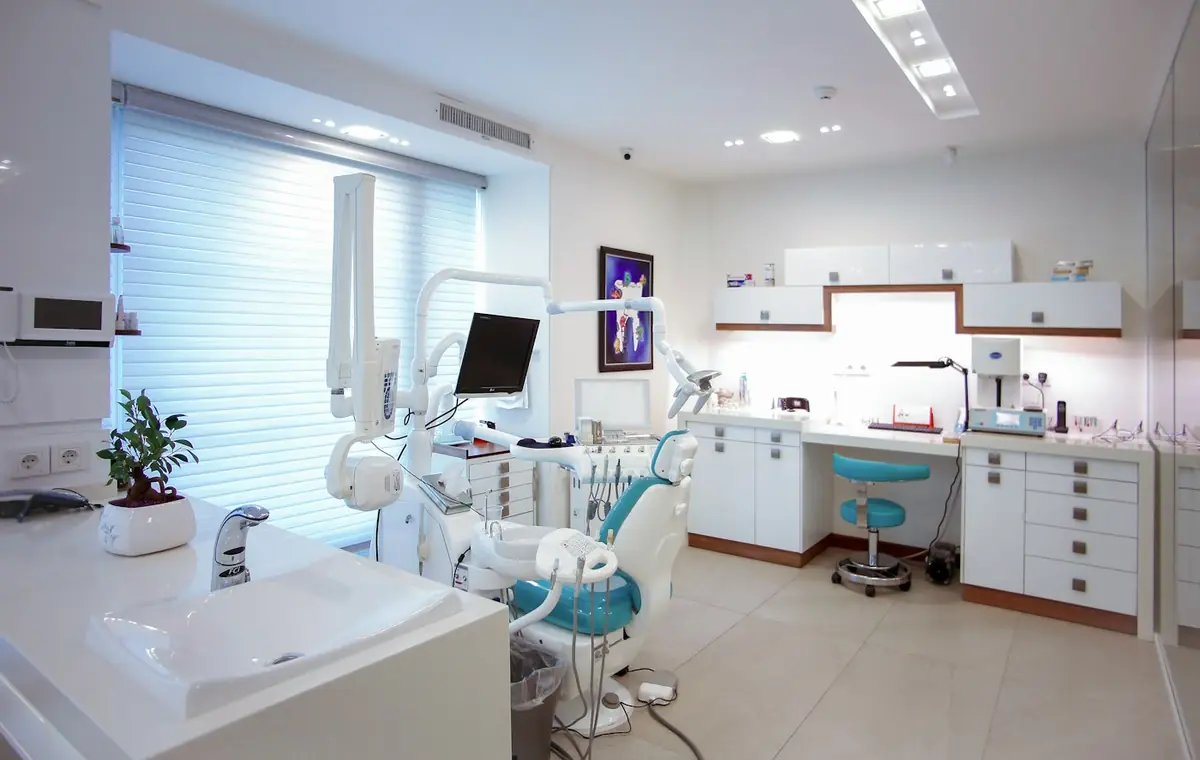
Dental visits make many people nervous. Photos of your actual waiting room, treatment rooms, and smiling team help patients relax before they arrive. Stock photos do the opposite, because patients can tell. Add a short bio for each dentist and hygienist, with a friendly photo and a line about their training.
If you show before and after photos, use only real cases with patient permission, and include a short medical disclaimer. Our free photo guide shows how to get clean, bright shots with a phone.
5. English and Spanish pages
Brickell is home to a mix of professionals, residents, and visitors from across Latin America and around the world. Many are more comfortable reading about their health in Spanish. A real Spanish version of your homepage, service pages, and booking form helps you show up for searches like “dentista en Brickell” and makes those patients feel welcome. We explain how to do it right in our guide to bilingual websites in Miami.
6. Local SEO built in
To appear when someone near Brickell searches for a dentist, your site needs a few things working behind the scenes:
- Clear page titles and descriptions that include the service and “Brickell.”
- Dentist schema. This is code that tells Google your address, hours, phone number, and services.
- A complete Google Business Profile with photos, hours, and a link to your site. Our guide on getting on Google Maps shows the steps.
- Reviews. Ask happy patients for a Google review and answer each one politely. Here is how to get more Google reviews.
- Fast mobile pages. If your site is slow on a phone, patients leave.
7. Patient forms that save time at the front desk
New patient forms online mean less paper and a shorter wait on the first visit. Patients can fill them out at home on any device. Because these forms can hold private health details, ask your IT provider or compliance advisor to confirm the form tool you use meets the privacy rules that apply to your practice.
Common mistakes we see on dentist websites
- Booking only by phone, with no online request form.
- One long services page instead of a page for each treatment.
- No insurance information anywhere on the site.
- Stock photos instead of the real office and team.
- English only, in a city where many patients prefer Spanish.
- An old template that loads slowly and looks the same as every other practice.
What a dentist website costs
Our custom dentist websites start at $199 a month. That includes the design, hosting, updates, and SEO, with no deposit and no contract. Most sites go live in 5 to 7 business days after we have your content. See the details on our dentist website page or our Brickell web design page.
Not sure yet? We will design a free preview of your homepage first, so you can see it before you pay anything.
Own a dental practice in Brickell?
See what your new website could look like. Free preview in 48 hours, no credit card. Hablamos español.
Get My Free PreviewFrequently asked questions
Do I need a website if I already have a Google Business Profile?
Yes. Your Google profile shows the basics, but your website is the one place you fully control. It holds your services, team, insurance info, and booking form, and it helps your Google listing rank higher.
Should my dentist website be in English and Spanish?
In Brickell, often yes. Real Spanish pages let you show up for Spanish searches and help Spanish speaking patients feel comfortable booking with you.
How long does it take to build a dentist website?
With Miami Web HQ, most dentist sites go live in 5 to 7 business days after you approve the design and send us your content.
Can I add online booking and new patient forms?
Yes. We can add an appointment request form or connect the booking system you already use, and we can add online new patient forms. Ask your compliance advisor to confirm the tools meet the rules for your practice.